Tutorials and help
Below you'll find a few of our core help topics for Grow, but if you're looking for something else, you can head to our comprehensive help sites:
Getting set up
In this help section, you can find out about Grow and how to use it:
Getting set up
Signing up
Getting the app
Setting up your Grow farm
Get to know the app
Upgrading Grow
Upgrading to FarmIQ
Find out more

Getting to know Grow
This topic covers:
What features are where
Finding help about Grow features
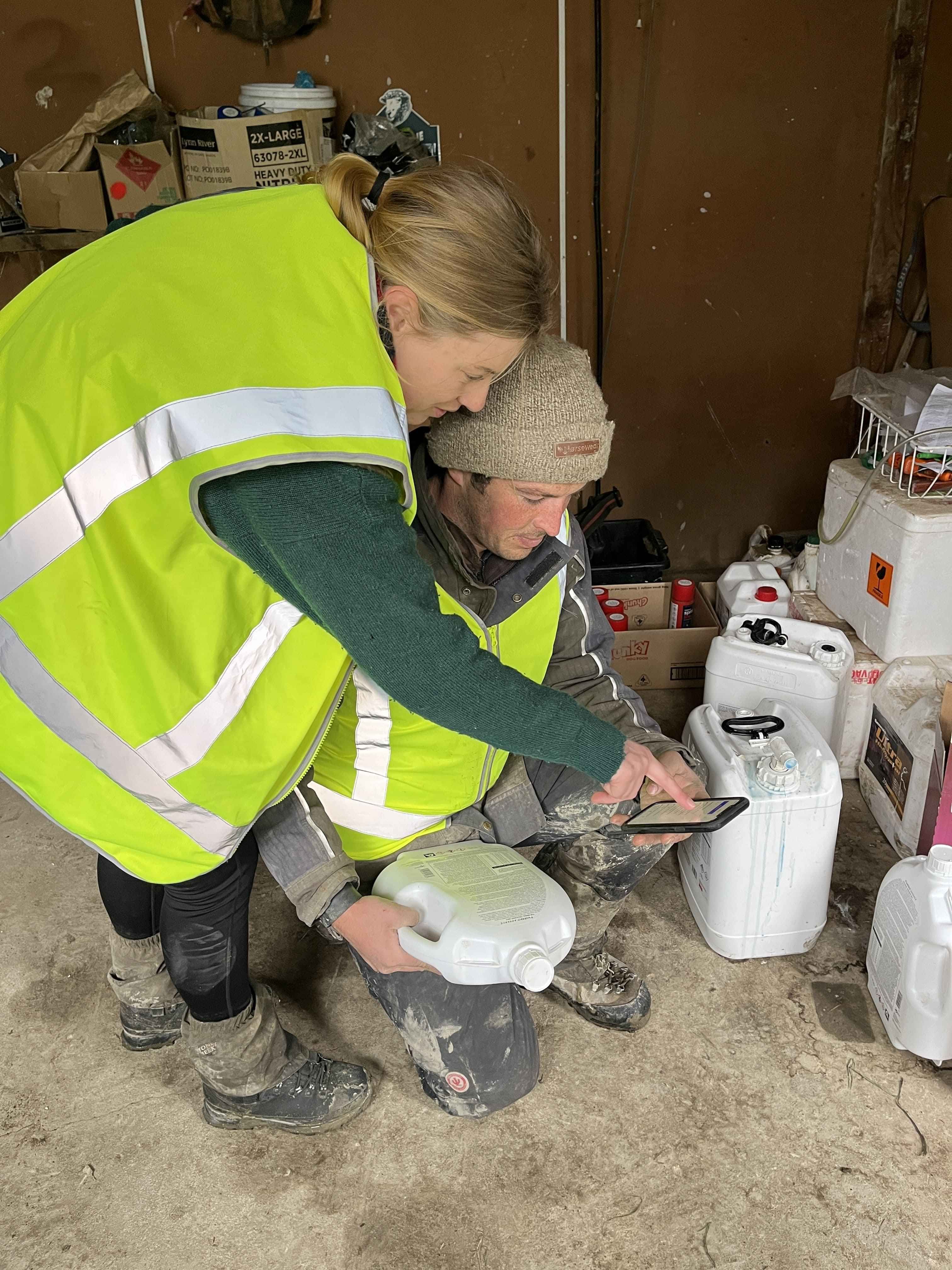
All about the Grow mobile app
Use the Grow app to see your farm information and record activities when you're out on the farm.
In this topic you can find out about:
Grow app features
Going outside internet coverage
Logging out or switching farms
If you cannot see a feature
Troubleshooting problems
Your location in the app
Find out more
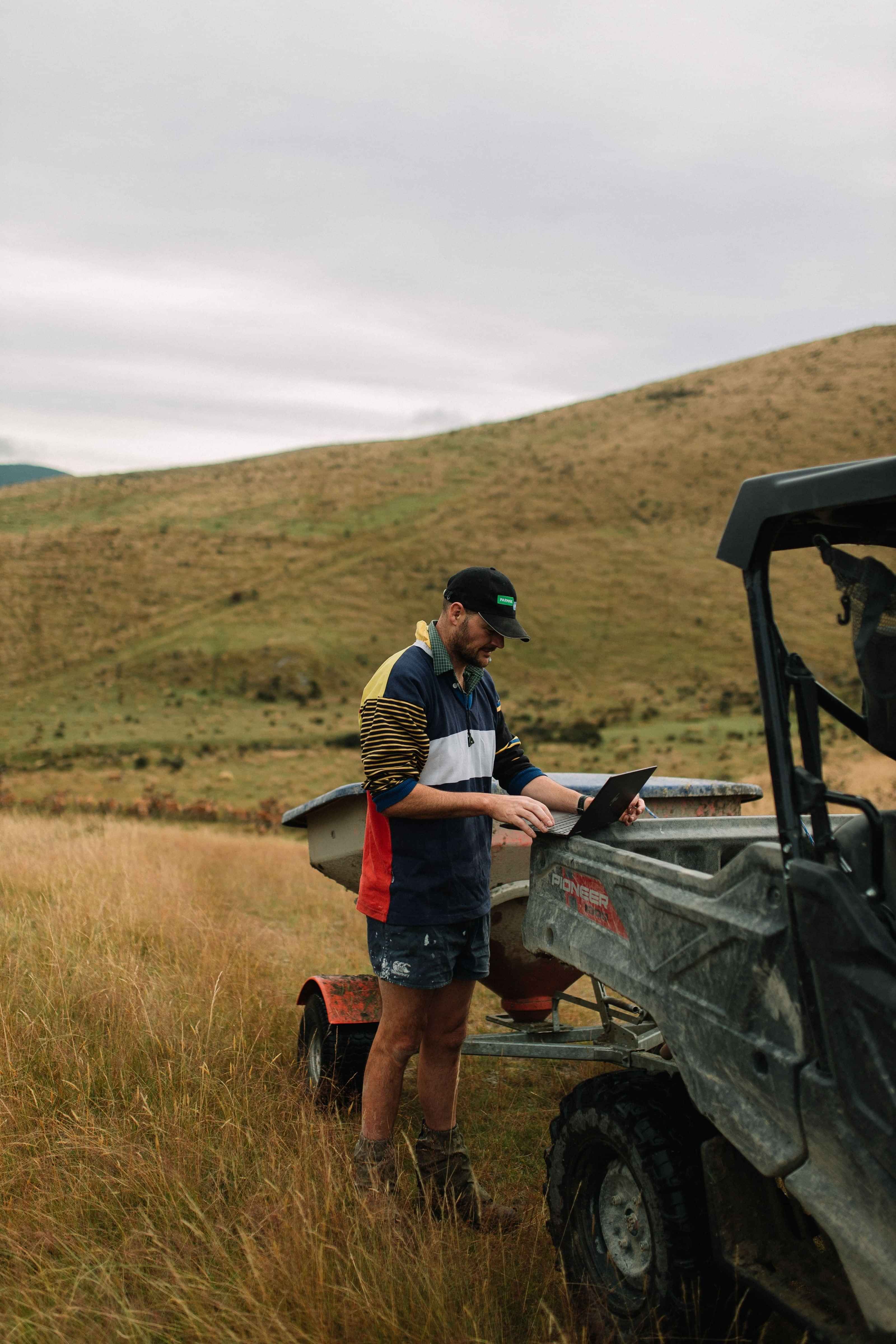
All about Grow on the web
FarmIQ on the web has all the recording, reporting and integration options available for your farm.
You can also manage your farm settings, manage your FarmIQ account, and access the Organisation level settings – if you have an appropriate security role.
Most commonly used features are also available in the FarmIQ mobile app, often with simpler recording.
In this topic you can find out about:
What's in FarmIQ on the web
Using FarmIQ on the web
Web browsers
Troubleshooting FarmIQ on the web
Making a map

Adding staff
Adding stock
Making and using records