Hero features
The really cool stuff
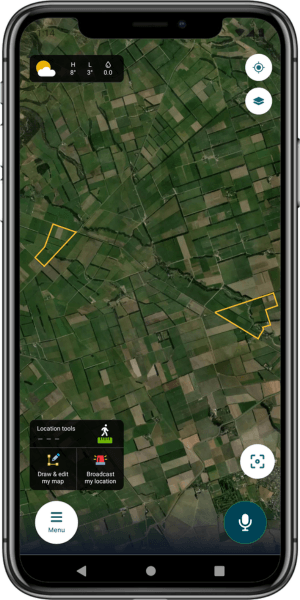
The digital map
Sometimes you just need to take a step back and look at the big picture.
The Grow map allows you to do exactly that; it is your eye in the sky so you can see an overview of your business at any time, from anywhere. A simple, yet invaluable blueprint of your operation.
You'll be able to see paddocks or blocks, fence lines, animals, and key infrastructure like sheds, houses and troughs.
Every paddock, block, fence, animal group and infrastructure item can be clicked on, showing you specific information about that particular feature.
A simple weather app lives in the top left-hand corner, and a selection of features live in the top right-hand corner.
Use two fingers to zoom in and out, and one finger to move around the map. Re-centre your map by clicking on the button in the bottom right-hand corner.
From the map screen you can use Location Tools in the bottom left-hand corner to measure distances on the map, and record chemical and fertiliser applications.
You can also adjust your map to see a satellite view or a pasture heatmap view, showing grass growth throughout your different blocks.
AI voice commands
Ditch the pen and paper, and don’t worry
about typing it up - just talk.
When your hands are covered in dirt and fert and you can't be bothered to type on your phone, just talk to the Grow app instead.
Using some clever AI technology, Grow lets you record a voice note in the app which is transcribed, analysed and turned into a note or task.
You can create land, animal and diary notes with a simple statement. For example, if you say: “Record a task for Bob to move the hoggets to the upper flats in a week.”
Grow will then:
Create a task
Assign it to Bob Smith
Schedule it for one week from today
Add the correct description of “move the hoggets to the upper flats”
It’s farm management at the speed you work.
Broadcast your location
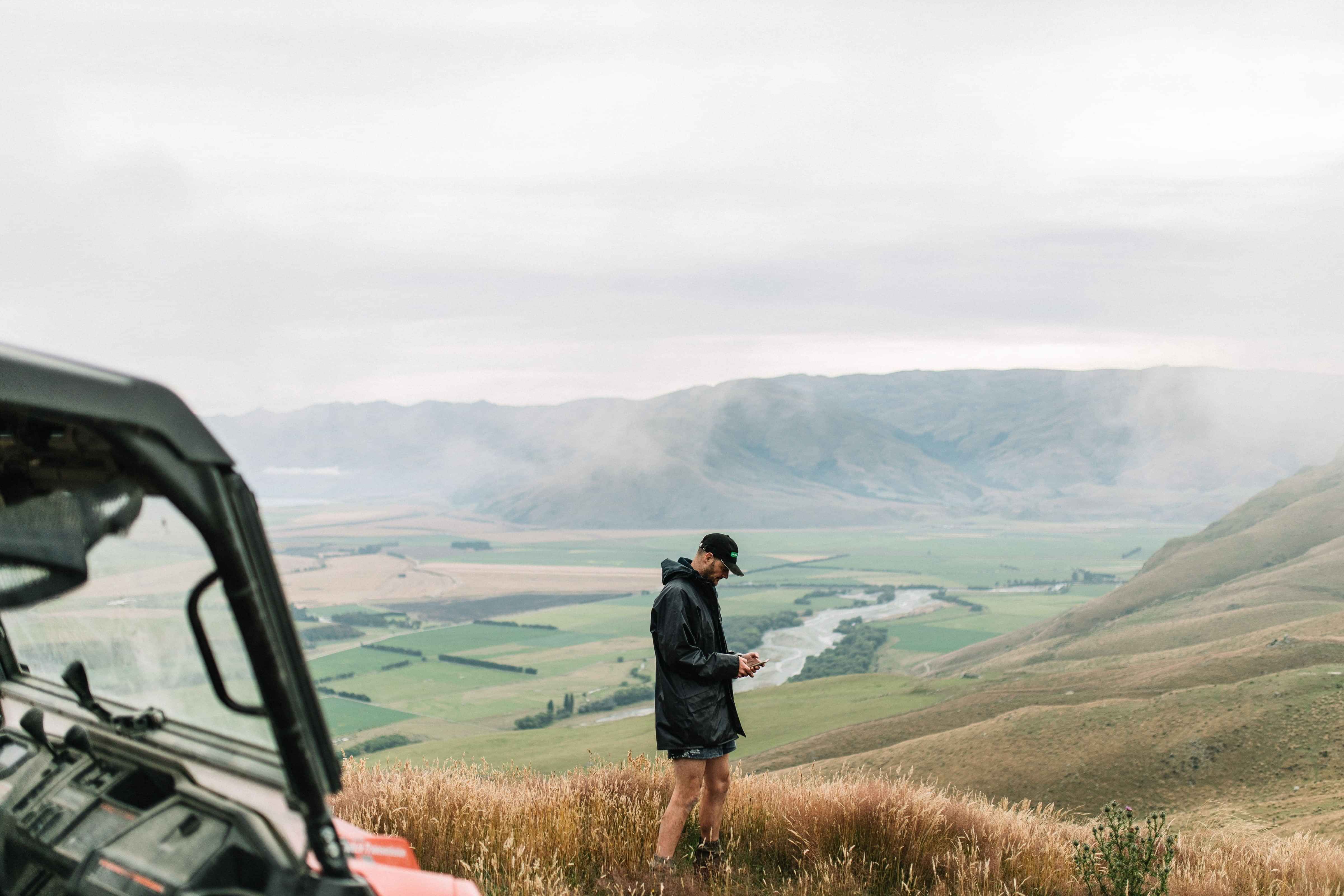
Knowing where a team member is in the event of an emergency is crucial, especially on large, sprawling farms and orchards, or on land where natural features can make it hard to find someone.
The broadcast your location feature allows you to use your phone’s GPS to drop a pin and send your location to other FarmIQ users along with a short message, e.g. injured - need help or vehicle stuck.
You can also pick specific locations to broadcast; your current location is the default, but this feature could be useful if you want to meet a team member in a different location, you've spotted a hole in the fence or found a dead animal.
Urgent broadcasts display in red, non-urgent in orange, and all notifications are sent directly to staff.
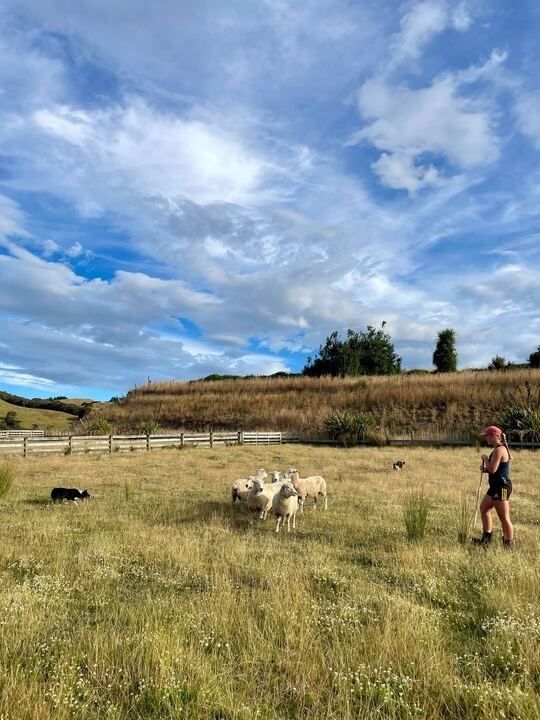
Flexi-stock
Grow gives you flexibility when it comes
to recording stock, depending on how
detailed you want to be.
You can either:
Record births, deaths, purchases, grazing and sales, weights and notes to maintain an accurate stock list;
andTrack stock by location on the farm map, moving as you go
Or, you can keep it simple:
If you just want tallies and locations, you can adjust the stock tally numbers manually yourself and move stock as needed
Record what matters most: full transaction recording or simple tallies - it’s up to you.
The ultimate diary
Replace the tattered old notebook and record everything that happens on farm in one place: Grow.
Grow’s diary lets you record:
Notes against animals and paddocks
General farm diary entries
Tasks, assigned to team members if needed
Labels so you can easily group entries for easy retrieval later
All entries are searchable, shared with authorised staff and stored for easy access.
It's unstructured and flexible, with lots of free text options, so you can effortlessly add notes into the diary whenever ideas come to mind or after you've completed a job.